Connecting Validata Cloud on Azure to managed data services
Note
This topic applies only to Validata Cloud on Azure.
This topic describes how to configure Azure Private Endpoints to connect Validata Cloud to supported managed services securely and privately.
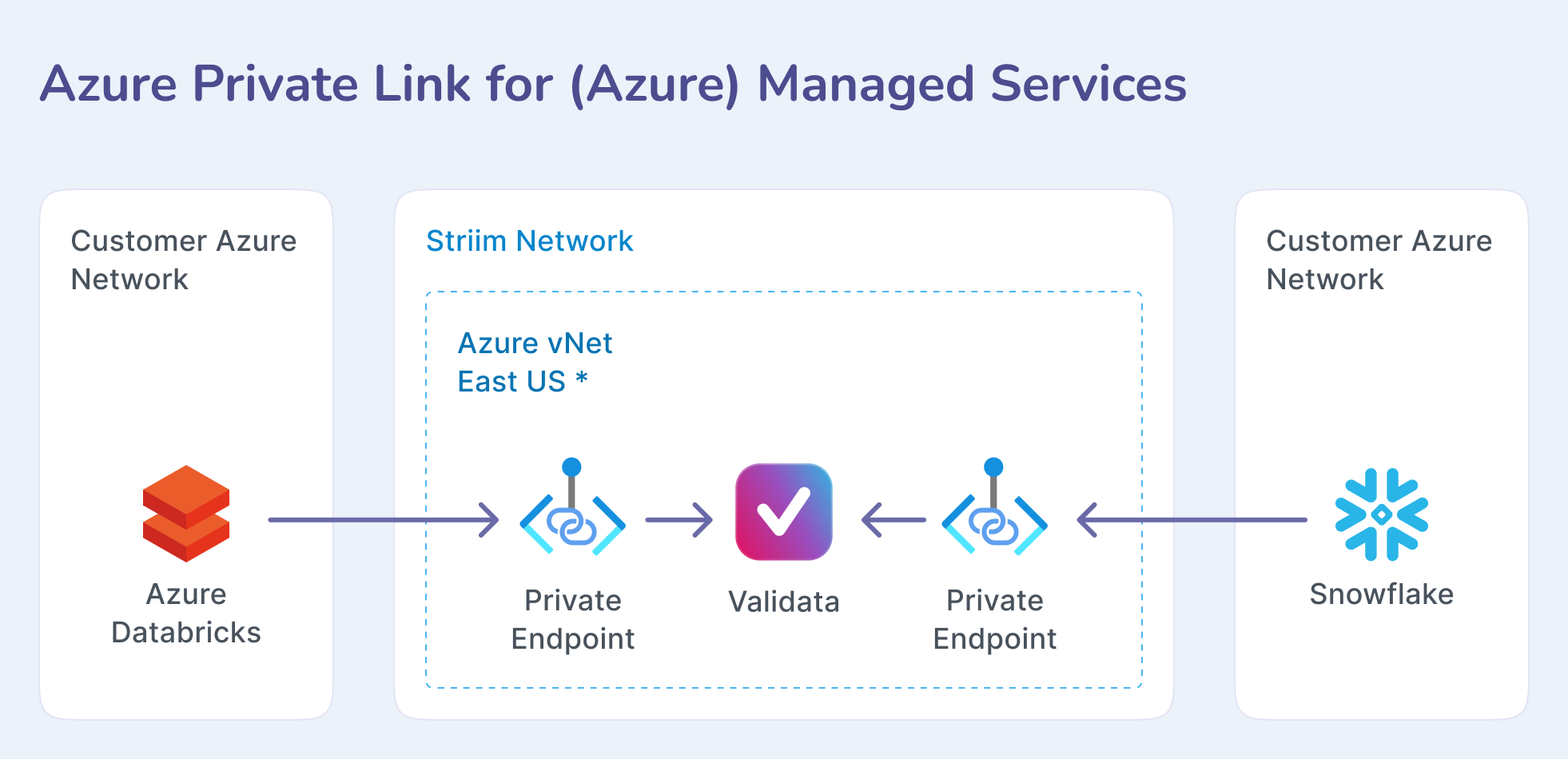
Supported data systems
Databricks
Azure Databricks on Azure
MySQL
Azure Database for MySQL
PostgreSQL
Azure Database for PostgreSQL
Azure Database for PostgreSQL - Flexible Server
Microsoft SQL Server
Azure SQL Database (S3 tier and above; Standard and Premium tiers)
Snowflake
Snowflake 9.29 on Microsoft Azure
Note
To configure a private endpoint for Snowflake, contact Striim support.
Prerequisites
You may need permissions in Azure to create a database, virtual machine, standard load balancer, Azure Private Link service, or private endpoint. You may also need permission to approve the endpoints created. Some Microsoft services auto-approve private endpoints.
Before configuring Validata Cloud, do the following in Azure.
For Microsoft services
Get the Resource ID for the Azure-managed service. The Resource ID can be obtained by navigating to the resource in the Azure Portal, selecting Properties and copying the 'ID' field. The tooltip says 'Resource ID'.
See Quickstart: Create a Private Link service by using the Azure portal.
See What is a private endpoint? and related topics.
Configuring an Azure private endpoint in Validata Cloud
Make sure the Validata Cloud service is running.
In the Validata Cloud Console, select the Services tab, then select More > View Details > Secure connection for the Validata Cloud service.
In the Private Endpoints section, click Create Private Endpoint and enter the following:
Name: a unique name for your private endpoint.
Service Alias:
For Microsoft services: enter the resource ID for the service.
Click Create Private Endpoint.
The new private endpoint will be in the Creating state while connecting to Azure.
Other services may require approval before going to the Running state.
The private endpoint in Validata Cloud will then be in the Running state.